

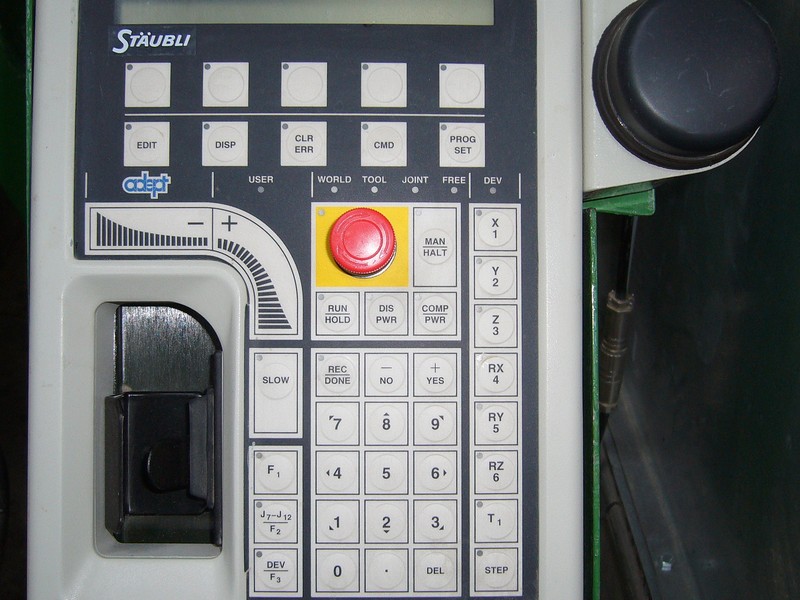
Evaluate the complete teaching task
Hand-guided teaching is a method of recording robot motion through a supported guidance interface. Its value for a welding project depends on the actual controller, process package, part access and operator preparation. Recording a path is only one part of preparing an accepted production program.
This guide is a purchasing and planning checklist. Machine operation, mode selection and verification must follow the equipment documentation and the installation's approved procedures with trained personnel.
Define the demonstration
- Use a representative part and the intended fixture arrangement.
- Identify weld locations, torch access and changes in orientation.
- Include loading, inspection, program edits and changeover work.
- Specify which operator roles and training prerequisites apply.
- Record the exact arm, controller, software and welding package.
Ask how saved paths relate to part references and welding process settings. Confirm which editing, program storage and backup functions exist on the proposed configuration rather than assuming they are standard across a product family.
Measure preparation rather than a single motion
Evaluate the effort needed to obtain an accepted sample and recover the correct program for a repeat job. Include fixture preparation, process review, inspection and any corrective work. A short path-recording demonstration does not establish total setup time or independent operator readiness.
Define who reviews program changes and how revisions are identified. Ask what evidence is retained after a fixture, torch or part change. Protective measures and verification arrangements belong to the installation review; see the safety planning guide.
Prepare your questions
Share the proposed parts and operator experience with CBOXTEC. Request confirmation of available teaching functions, documentation and training scope in writing before relying on a proposed workflow.